
WXSIM
Interactive Local Atmospheric Modeling System
Copyright Thomas J. Ehrensperger 2025
 With over 1000 registered users in over 40 countries, spanning over 30 years, WXSIM's extreme versatility has met forecast challenges from the Arctic to the Antarctic, from sea level to the top of 9000+ foot mountains, from remote rural areas to urban high-rise buildings, and from deserts to forests to islands.
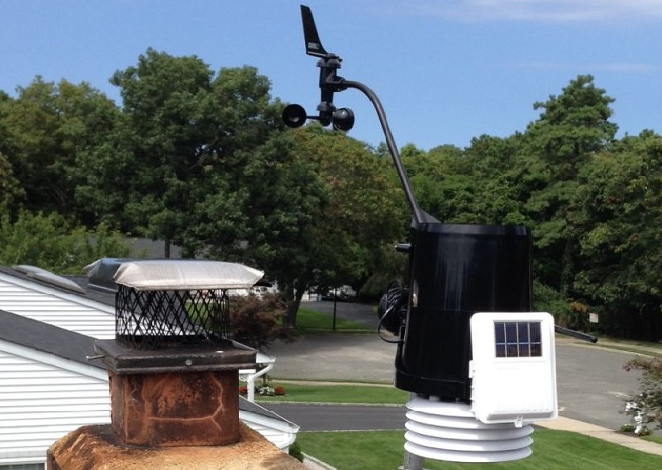 WXSIM can use data from your home weather station to improve forecasts for your exact location.
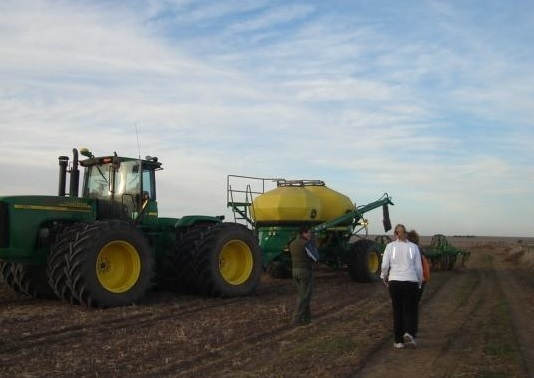 WXSIM includes many forecast products for agriculture, such as soil temperature and evapotranspiration.
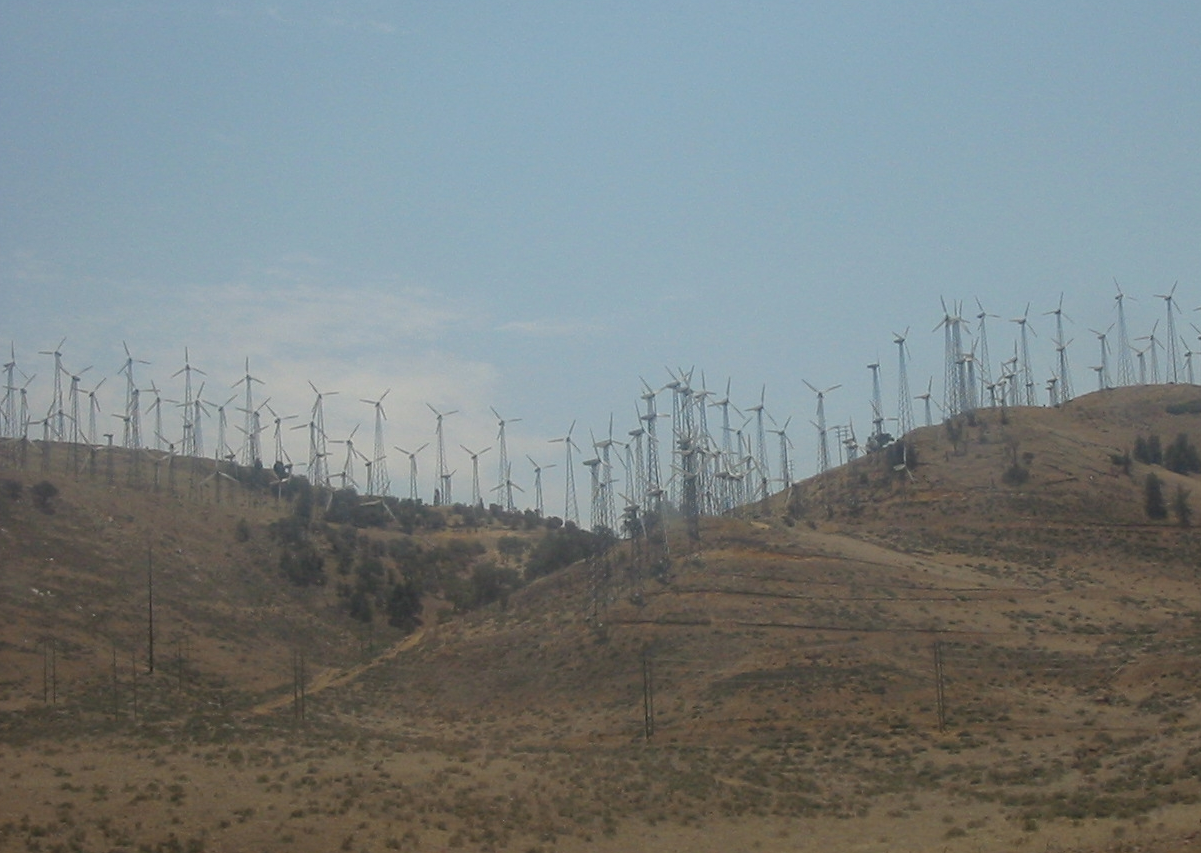 Using specialized customizations, WXSIM forecasts wind speed and other variables at wind turbine height.
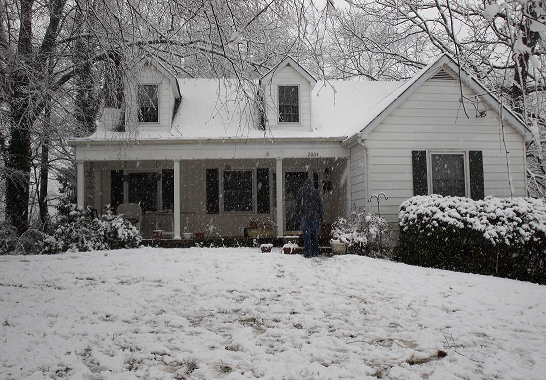 Wintertime precipitation type, and snow or ice accumulation, melting, and sublimation are WXSIM specialties.
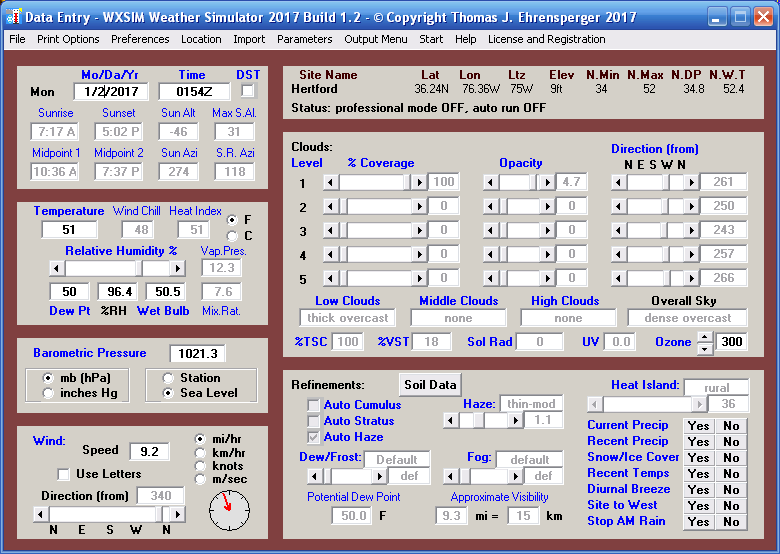 Data Entry form, automatically populated with data, about to be used to forecast for Hertford, North Carolina. (This is from a 2017 version; we're now up to 2025 Build 1.0).
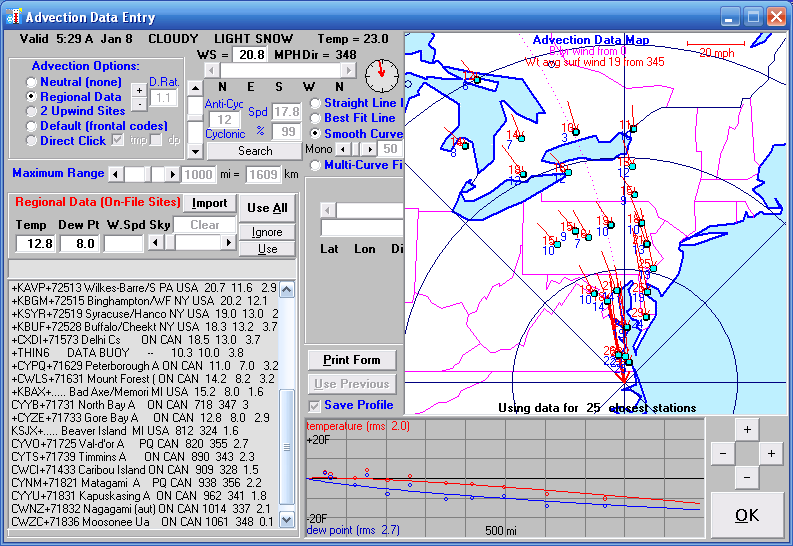 Partway through the forecast run, WXSIM analyzes modeled advection data to import air of different temperature and humidity into Hertford. The forecast process can be fully automated, or run manually.
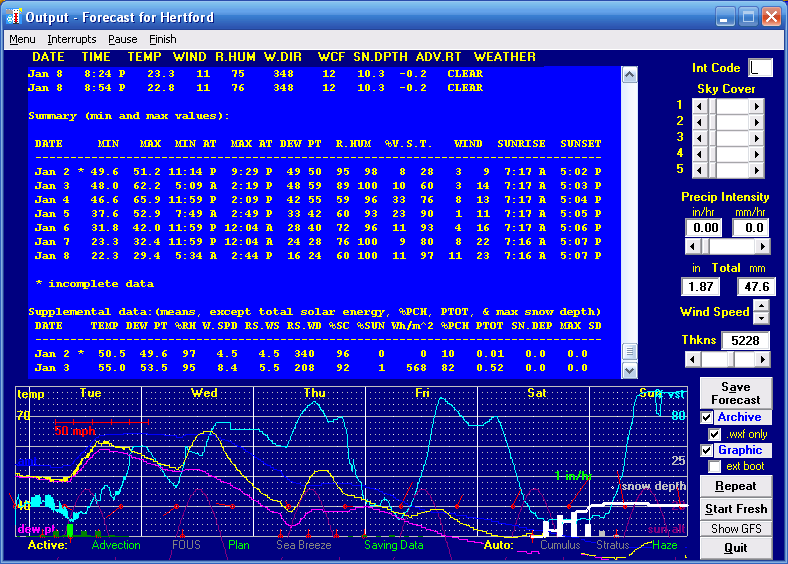 The completed forecast, with scrollable data, which is also saved in various file formats for later review.
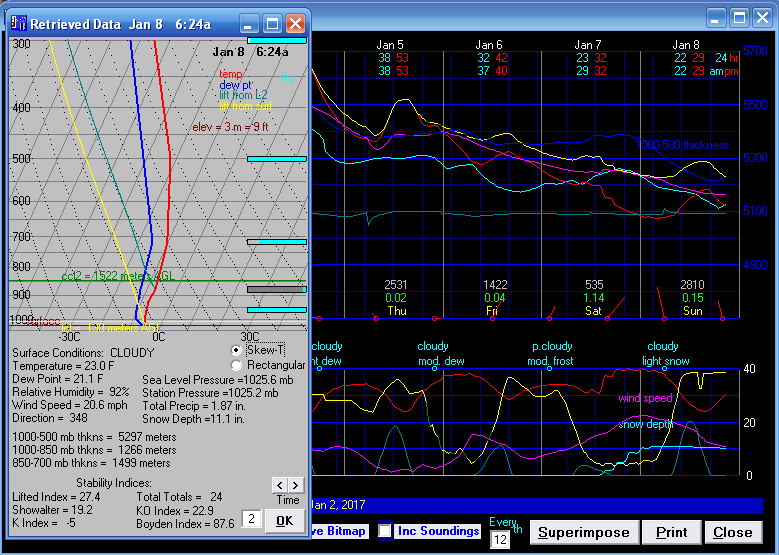 The same forecast being analyzed and reviewed using the included data retreival and analysis tool.
WXSIM (Weather Simulator) is a powerful, truly one-of-a-kind tool for forecasting, or just plain studying weather. Its primary purpose is providing accurate, detailed forecasts tailored for your specific location, using a combination of imported real-time and model data (from the internet, plus optionally from your home weather station) and its own internal modeling capabilities. It can even improve its forecasts by learning from past results!
Here are some of the ways WXSIM's hundreds of registered users have employed the program over the last three decades:
- Generating forecasts for a home weather station, using its data, incorporating guidance from GFS, ECMWF, and/or NAM models.
- Professional forecasts for clients (i.e. for media, agriculture, electrical energy load forecasting, and wind turbines).
- Forecasting for recreation (i.e. sailing, soaring, and snow skiing).
- Education, including teaching forecasting skills.
Here are some of the things that WXSIM can forecast (out to 9 days):
- Temperature (2 meters above ground, 5 different altitudes above surface, 5 sub-surface depths, at grass surface, plus wind chill factor).
- Dew point, relative humidity, wet bulb temperature, heat index, and humidex, 2 meters above the surface.
- Wind speed (and gust strength) and direction 10 meters above the surface, plus wind speed for 2 other heights for wind turbines.
- Cloud cover and opacity at 5 different heights.
- Precipitation type and intensity, plus snow depth and ice accumulation (including melting and sublimation).
- Stability parameters and likelihood of thunderstorms or severe convection.
And much more!